Automatic WHMCS Notifications: Domain Reminders via SMS & WhatsApp
WHMCS already sends email reminders, but emails often go unread. Here's how to add reminders over SMS and WhatsApp, with one small hook file in your WHMCS.
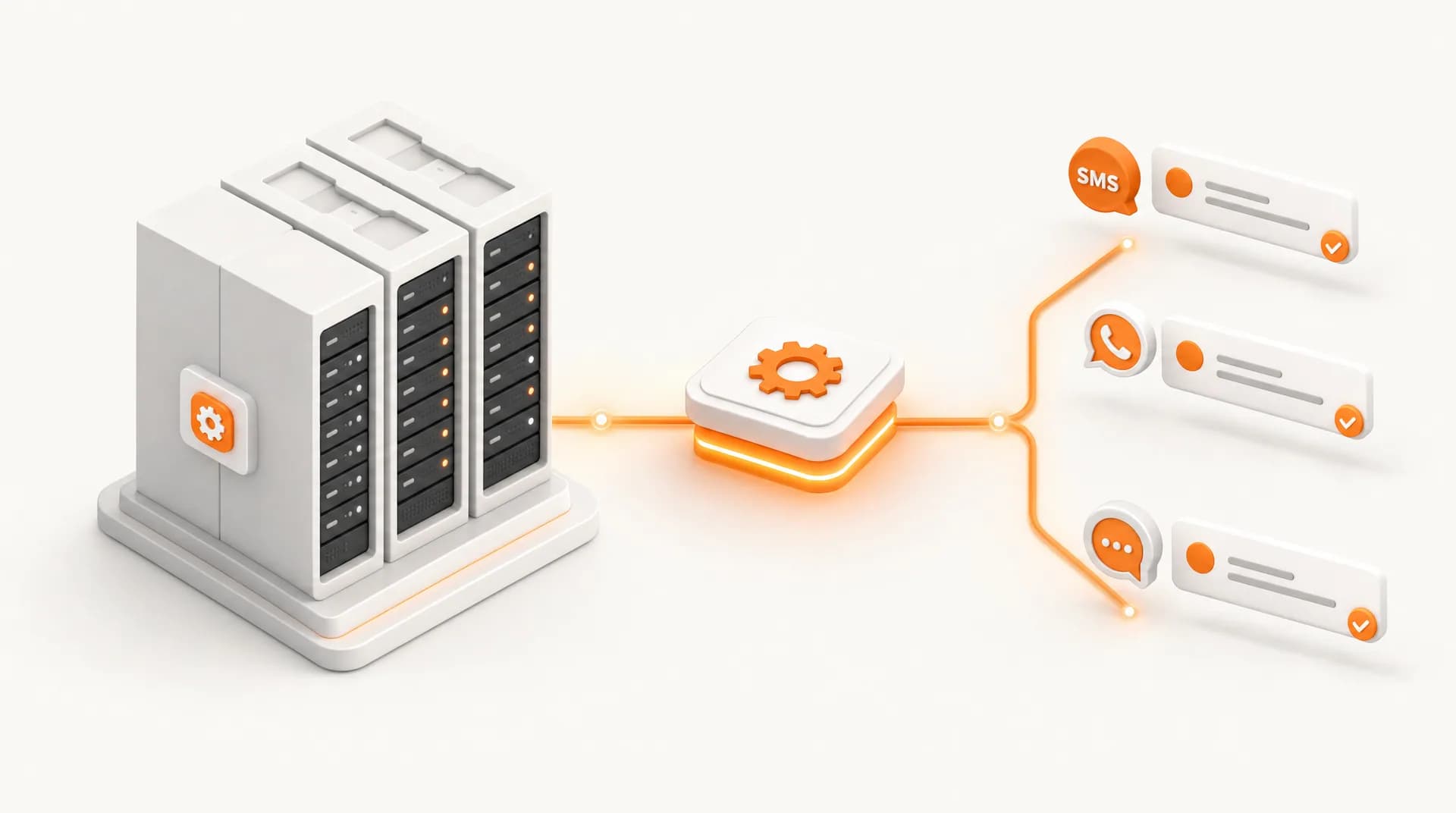
WHMCS reliably sends those due-date reminder emails, trouble is, emails are easy to miss. SMS and WhatsApp almost always get read. Adding them isn't a hassle either: one small hook file that calls our API the moment a domain nears its due date, and your WHMCS starts sending reminders over SMS or WhatsApp.
What you'll need
- Access to your WHMCS install, specifically the /includes/hooks/ folder.
- For SMS: a userkey & passkey from the Console. For WhatsApp: an API Key from the WABA Platform plus one Meta-approved template.
- Not comfortable touching files? It's a one-time, ~5-minute setup, just hand this file to your hosting admin or developer.
The hook: a domain due-date reminder (example: 3 days before)
Create a file zenziva_notify.php in /includes/hooks/ and paste the code below. This hook runs automatically on the WHMCS daily cron, finds domains expiring in 3 days, and sends an SMS to each owner:
<?php
// /includes/hooks/zenziva_notify.php, kirim SMS reminder saat domain mendekati jatuh tempo.
use WHMCS\Database\Capsule;

add_hook('DailyCronJob', 1, function () {
    $target = date('Y-m-d', strtotime('+3 days'));

    $rows = Capsule::table('tbldomains')
        ->join('tblclients', 'tbldomains.userid', '=', 'tblclients.id')
        ->where('tbldomains.status', 'Active')
        ->where('tbldomains.expirydate', $target)
        ->get(['tbldomains.domain', 'tblclients.firstname', 'tblclients.phonenumber']);

    foreach ($rows as $r) {
        $to = preg_replace('/[^0-9+]/', '', $r->phonenumber);
        if (!$to) continue;
        $msg = 'Halo ' . $r->firstname . ', domain ' . $r->domain . ' Anda jatuh tempo dalam 3 hari. Mohon segera diperpanjang.';

        $ch = curl_init('{CONSOLE_BASEURL}/masking/api/sendsms/');
        curl_setopt_array($ch, [
            CURLOPT_POST => true,
            CURLOPT_POSTFIELDS => http_build_query([
                'userkey' => 'API_USERKEY',
                'passkey' => 'API_PASSKEY',
                'to'      => $to,
                'message' => $msg,
            ]),
            CURLOPT_RETURNTRANSFER => true,
            CURLOPT_TIMEOUT => 10,
        ]);
        curl_exec($ch);
        curl_close($ch);
    }
});
That's it. Swap API_USERKEY and API_PASSKEY for your Console credentials, upload, and reminders start on the next cron. The H-3 timing here is just an example, you control it via strtotime('+3 days'): use '+1 day' for H-1, 'today' for the due day, or '-1 day' to nudge accounts a day overdue. Want several nudges? Add more than one trigger.
The WhatsApp version (WABA Platform)
Want to send over WhatsApp? Replace the Console curl block above with this one. The difference: it authenticates with an X-API-Key header and sends a JSON body using a template name Meta has approved on the WABA Platform.
// Ganti blok curl Console dengan ini untuk WhatsApp (WABA Platform):
$ch = curl_init('{WABA_BASEURL}/api/messages/v1/send');
curl_setopt_array($ch, [
    CURLOPT_POST => true,
    CURLOPT_HTTPHEADER => ['Content-Type: application/json', 'X-API-Key: API_KEY_WABA_ANDA'],
    CURLOPT_POSTFIELDS => json_encode([
        'to'               => $to,
        'templateName'     => 'reminder_domain',
        'templateLanguage' => 'id',
        'bodyVariables'    => [$r->firstname, $r->domain],
    ]),
    CURLOPT_RETURNTRANSFER => true,
    CURLOPT_TIMEOUT => 10,
]);
curl_exec($ch);
curl_close($ch);
Hooks and curl are core WHMCS/PHP, so this works on old and new WHMCS alike, with nothing to install later.
Start with Console SMS, the simplest. Test with your own number first (set a test expiry date), confirm it arrives, then move up to WhatsApp once Meta has approved your template. And keep these reminders separate from promo blasts so your WABA quality rating stays safe.
- One hook file in /includes/hooks/ is all it takes to start sending SMS & WhatsApp reminders.
- Console SMS uses userkey/passkey; WhatsApp (WABA Platform) uses an X-API-Key header + JSON body.
- The hook runs on the WHMCS daily cron and is compatible with old and new versions.
- Start with SMS, then move up to WhatsApp once Meta has approved your template.
Need the full API parameters or other integration examples? See our API integration guide.
Read: Integrating Your App & Website with the API
Ready to try it? Check the per-message cost on the pricing page, then sign up and grab your userkey/passkey (Console) or API Key (WABA Platform) to start sending WHMCS reminders today.
Reach Customers on Their Favorite Channels
Need WhatsApp, SMS, or Voice Calls? Choose the communication channel that best fits your business needs today.