Send Automatic Internet Billing Notifications from Billing Apps (Mikhmon, MixRadius)
Stop chasing internet customers one by one. Here's how to wire your billing app (Mikhmon, MixRadius) or MikroTik to Zenziva for auto reminders on WhatsApp.
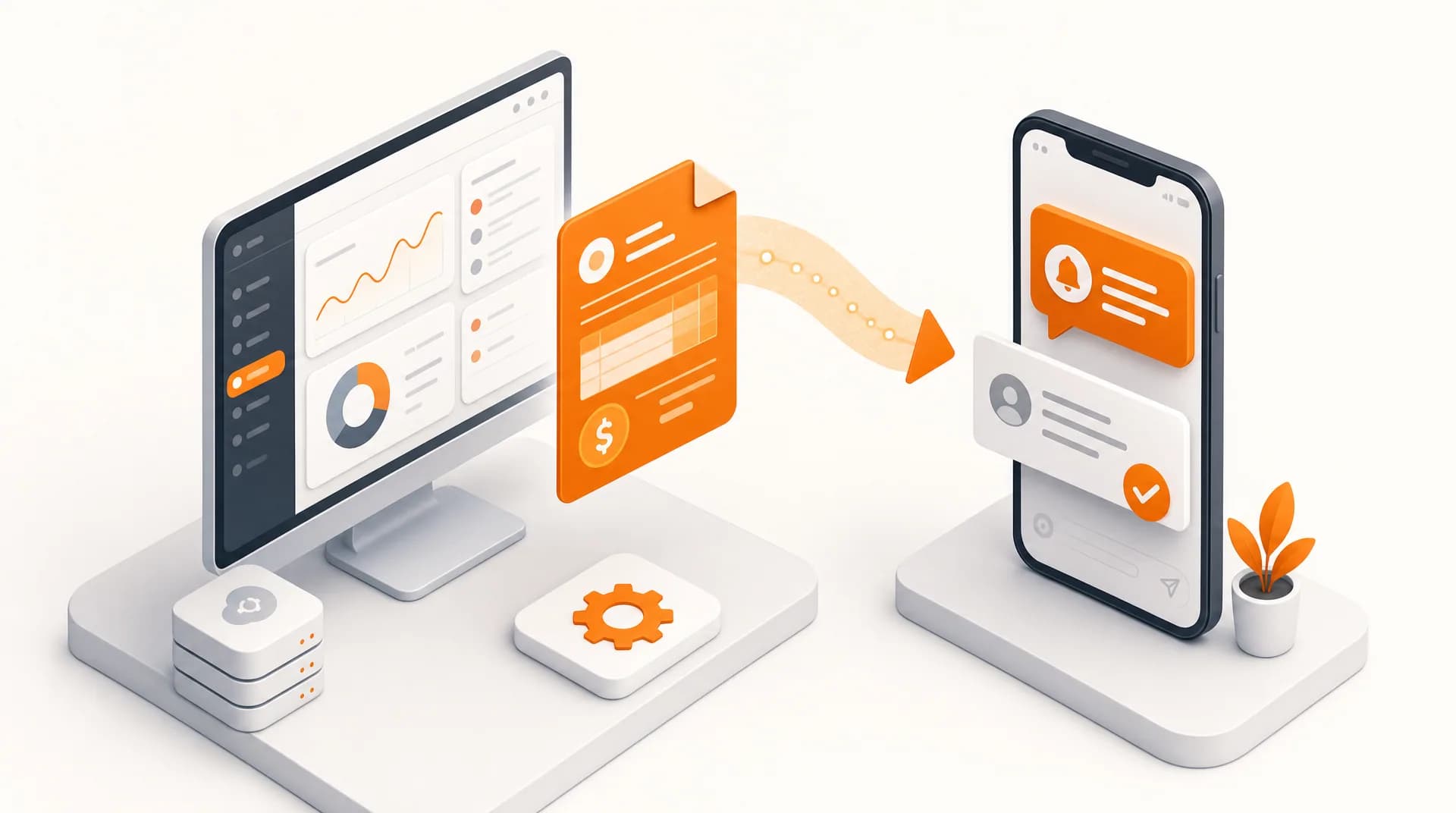
Every start of the month, same story: hundreds of customers to chase one by one, some forget, some default, and you become the 'collector' glued to WhatsApp all day. Yet your billing app already knows exactly who's due, it just needs to message them itself. Here we wire your billing app (or MikroTik) to Zenziva so reminders, isolation alerts, and e-receipts run automatically.
Three moments worth automating
Billing isn't about sending as many messages as possible, it's about sending at the right time. These three moments move your cashflow the most:
| Moment | When | Message |
|---|---|---|
| Due-date reminder | 3 days before due | Amount + how to pay |
| Isolation warning | 1 day before suspension | A polite final reminder |
| E-receipt | When payment lands | Paid confirmation + a thank-you |
Two ways to connect to Zenziva
Pick based on what your billing app can do. Both end up at the same API endpoint.
Option 1: A billing app with a custom gateway / webhook
Modern billing apps usually have a 'WhatsApp/SMS Gateway' or 'Webhook' menu. Just point it at the Zenziva endpoint and fill in the parameters. For SMS/Voice (Console), use a form HTTP POST with userkey/passkey. For WhatsApp (WABA Platform), use the X-API-Key header and a JSON body, as long as the app allows custom headers.
# Console SMS, due-date reminder (HTTP POST form)
curl -X POST {CONSOLE_BASEURL}/masking/api/sendsms/ \
  -d "userkey=API_USERKEY" -d "passkey=API_PASSKEY" \
  -d "to=08123456789" \
  -d "message=Your internet bill of Rp150,000 is due in 3 days. Pay via ..."
Option 2: Trigger from MikroTik (no extra app)
If billing is still manual or you run Mikhmon on top of MikroTik, use System > Scheduler to fire /tool fetch to Zenziva on a given date. The full scripts (form data for SMS, and JSON + X-API-Key for WABA) are covered in the hotspot integration guide, the pattern is identical, only the trigger changes.
MikroTik scripts for SMS, Voice, and WABA (including header format and JSON escaping) live in the "MikroTik & Cyberoam Hotspot Integration" article. For billing, just switch the trigger from 'On Login' to a dated Scheduler.
Read: MikroTik & Cyberoam Hotspot Integration
Notes for Mikhmon & MixRadius
- Mikhmon: has a notification feature you can point at an HTTP gateway. For SMS/Voice Console it's enough. For WABA, make sure your version can send a custom X-API-Key header and JSON body, if not, relay it through a bridge or use the MikroTik Scheduler.
- MixRadius: RADIUS-based billing with webhooks/API. As long as it can fire an HTTP request to a custom URL, Console integration works; for WABA the same custom-header requirement applies, and if it isn't met, route it through a bridge first.
- Not sure your app supports custom headers? Start with the Console SMS path, it's the most compatible. To still send WABA from a limited app, use the serverless bridge/relay trick (Cloudflare Workers or Google Apps Script) covered in the hotspot guide.
No billing app? Broadcast from the dashboard
Not everyone has a billing app they can tinker with, and not everyone wants to touch an API. Good news: the integration is optional. As long as you have a customer list and due dates, you can send the same reminders straight from the Zenziva dashboard.
This is the path admin teams without a technical background actually use. It's three steps, and each month you just repeat it in minutes.
- In SMS Masking, open Send SMS → From Excel and download the sample file. Fill the NAMA, NOMOR HP, and ISI PESAN columns, type the amount and date right into each row.
- Want a uniform but still personal message? Use the [nama] and [alamat] tokens in the ISI PESAN column; both auto-fill per row, and 'alamat' can be repurposed for the amount or the due date.
- Send now, to a Group or All Contacts from the Phonebook, or schedule it via SMS Scheduled to go out automatically on a specific date (a one-time send, not recurring).
For WhatsApp, the path is the WABA platform: open Broadcast Campaign, pick a Meta-approved template, then upload your recipient list. The message follows the template (not free text like SMS), but each recipient can still carry their own details, their name, the amount, or the due date.
Once your volume grows and you want it fully automated, just graduate to the API path above. The dashboard and the API share the same account, so there's nothing to start over.
Billing reminders are transactional and actually welcomed by customers, don't mix them with promo blasts on the same number. That keeps your WABA quality rating green and important messages out of limit territory.
- Automate three moments: a 3-day reminder, a 1-day isolation warning, and an e-receipt on payment.
- A billing app with a custom gateway/webhook points straight at the Zenziva API; if not, use the MikroTik Scheduler.
- Console SMS (userkey/passkey) is the most compatible; the WABA Platform (X-API-Key + JSON) needs an app that can send custom headers.
- No billing app or don't want to touch the API? Send the same reminders from the dashboard, SMS via From Excel, WhatsApp via an approved template. No code.
- Keep transactional messages separate from promo to protect your WABA quality rating.
Ready to stop chasing payments by hand? Check the per-message cost on the pricing page, then sign up and start this month, broadcast straight from the dashboard to get going fast, or grab your userkey/passkey (Console) and API Key (WABA Platform) for full automation.
Official WhatsApp Business API.
Trusted infrastructure for industrial-scale communication, with eligibility for the official Blue Tick from Meta.
Register WABA Now →