Integrating MikroTik & Cyberoam Hotspots via SMS and WhatsApp
A technical guide for Network Engineers to send Hotspot OTPs via SMS and WhatsApp Business API using POST /tool fetch scripts in MikroTik and Cyberoam.
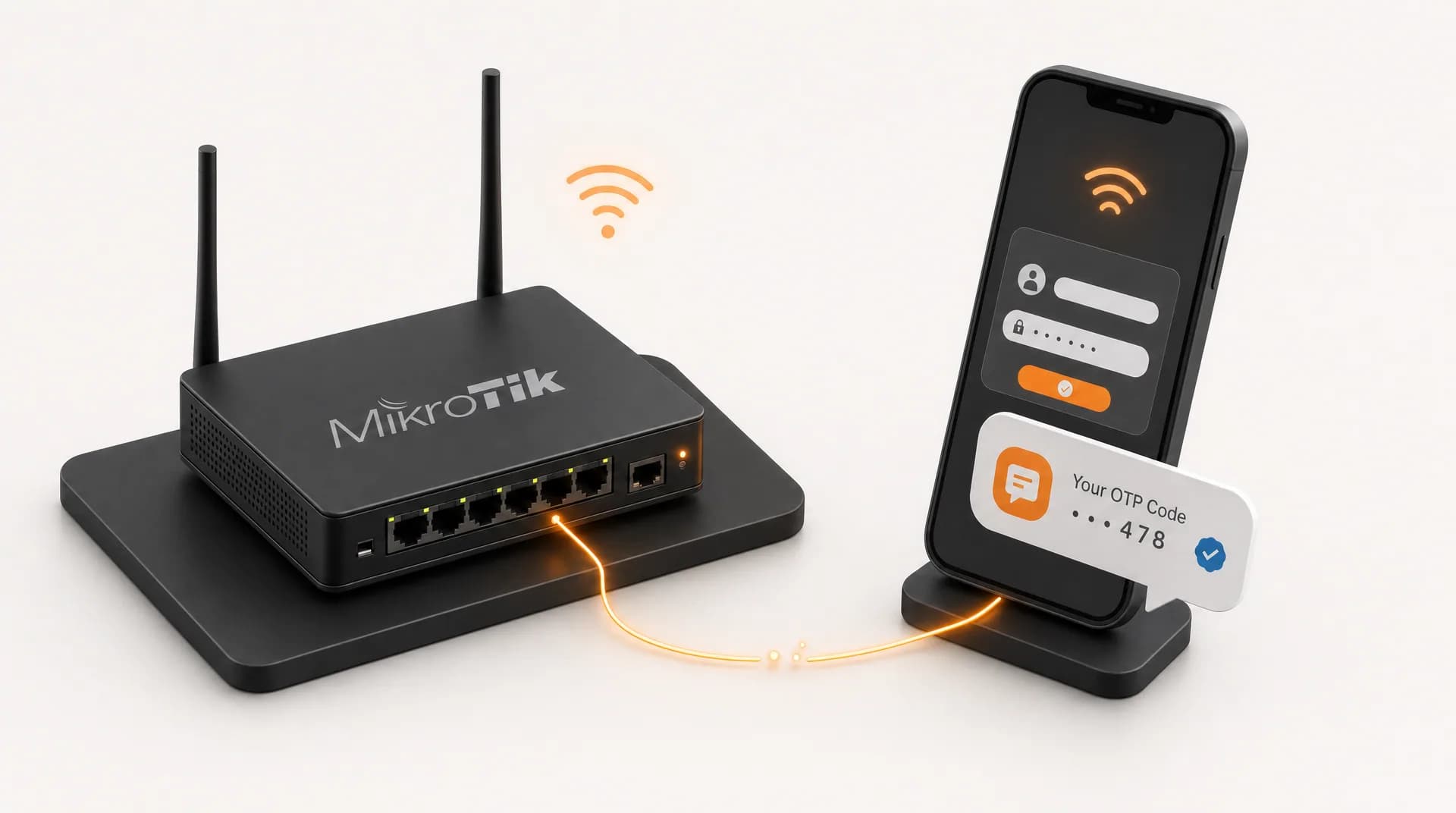
A hotspot guest types their phone number into the captive portal, then waits for a code that never shows up, and the culprit is almost always one mis-written line of script calling the API. OTP vouchers look simple, but the technical details decide whether it works or stalls. Here we'll wire MikroTik and Cyberoam (Sophos) to Zenziva over HTTP POST, via SMS, Voice, or WhatsApp, and compatible with both Zenziva platforms: Console and the WABA Platform.
Looking for automatic billing notifications, not hotspot login? Read the Billing Reminder Guide
OTP-Based Hotspot Authentication Architecture
Before touching scripts, understand the flow. When a visitor connects to the AP, they are redirected to a Captive Portal. Upon entering their phone number, the router generates a local password and asynchronously calls the Zenziva API to deliver it.
- Visitor connects to the AP and is redirected to the Captive Portal.
- Visitor inputs their phone number.
- Router generates a password locally.
- Router calls Zenziva API using HTTP POST.
- Visitor receives SMS/WhatsApp with the OTP code, then logs in.
Platform Compatibility with the Zenziva API
It comes down to two different requirements. The Console API (SMS & Voice) only needs a plain HTTP POST with form parameters (userkey, passkey, to, message), almost any device can do this. The WABA Platform needs a custom X-API-Key header plus a JSON body, so only devices that can send custom headers support it.
| Platform | Console (SMS & Voice) | WABA Platform |
|---|---|---|
| MikroTik (/tool fetch) | ✅ http-data (form POST) | ✅ http-header-field + JSON (RouterOS 6.43+) |
| Cyberoam / Sophos XG | ✅ URL/POST parameters (userkey, passkey, etc.) | ❌ no custom headers / JSON body |
| Billing apps (MixRadius, Mikhmon, etc.) | ✅ if it has a custom HTTP gateway feature | ⚠️ only if the app supports custom headers + JSON |
| Your own server / backend (PHP, Node, etc.) | ✅ full | ✅ full |
Because Cyberoam and Sophos XG only support URL/POST parameters, no custom HTTP header (X-API-Key) or JSON body, neither can call the WABA Platform directly. The fix: use the Console SMS path (shown below), or relay through a MikroTik script / a small middleware endpoint that translates the appliance's request into the WABA format.
1. MikroTik Hotspot Integration via /tool fetch (POST)
In MikroTik, we utilize the Event Scheduler within the User Profile. Open WinBox, navigate to IP > Hotspot > User Profiles, and edit the profile in use. In the 'Scripts' tab, under 'On Login', you can call the Zenziva API.
Script A: Sending Masking SMS
Use HTTP Form-Data protocol (http-data). The $user variable automatically populates with the visitor's username (phone number).
/tool fetch url="{CONSOLE_BASEURL}/masking/api/sendsms/" http-method=post http-data="userkey=API_USERKEY&passkey=API_PASSKEY&to=$user&message=Your+WiFi+Login+Code+is+$password" keep-result=no
Script B: Sending via WhatsApp Business API (WABA v1)
If you're on Zenziva's WABA Platform (the newer accounts), delivery uses a JSON payload with authentication in the HTTP header (X-API-Key), not the userkey/passkey pair used by the Console. In MikroTik, this needs escape syntax (\") inside the string.
/tool fetch url="{WABA_BASEURL}/api/messages/v1/send" http-method=post http-header-field="X-API-Key: YOUR_API_KEY,Content-Type: application/json" http-data="{\"to\":\"$user\",\"templateName\":\"otp_hotspot\",\"templateLanguage\":\"en\",\"bodyVariables\":[\"$password\"]}" keep-result=no
The keep-result=no parameter is crucial so your MikroTik storage doesn't fill up with HTTP response files.
2. Cyberoam / Sophos Integration (Custom HTTP Gateway)
For Cyberoam or Sophos XG Firewall, navigate to Identity > Guest Users > SMS Gateway. Since the Cyberoam UI is designed for simple webhook integrations, we map the parameters explicitly.
- Gateway Name: Zenziva API
- URL: {CONSOLE_BASEURL}/masking/api/sendsms/
- HTTP Method: POST
Under Request Parameters, input:
| Parameter Name | Value |
|---|---|
| userkey | API_USERKEY |
| passkey | API_PASSKEY |
| to | {mobileno} (Cyberoam built-in variable) |
| message | Your OTP is: {password} |
3. A Workaround: Bridging WABA on Limited Devices
Cyberoam, Sophos, and some older billing apps can't send a custom header (X-API-Key) or a JSON body, so they can't call the WABA Platform directly. The trick: run a tiny relay, and it can be serverless, with no server to manage at all. The device just calls a plain URL (query params), and the relay builds the header and JSON for Zenziva.
This is a community workaround, not an official Zenziva feature, Zenziva isn't responsible for any damage or misuse. You must secure it: use a secret token, restrict access to your device's IP only, and run it over HTTPS.
You can host the relay anywhere. From easiest to most hands-on:
- No-code: use Pipedream, Make, or n8n, build a 'Webhook in → HTTP request out' workflow with the X-API-Key header and JSON body. Best if you'd rather not touch code.
- Cloudflare Workers (recommended): free up to 100,000 requests/day, gives an instant HTTPS URL, and needs no server at all. Deploy by pasting the code into the dashboard and clicking Deploy.
- Google Apps Script: free and just uses your Google account, write the script, Deploy > New deployment > Web app, and you get an endpoint URL. Handy if you're more at home in Google's ecosystem.
- PHP/Node on your own server: if you already run a web host, the same logic just goes there.
An example Cloudflare Worker. Store TOKEN, API_KEY, WABA_URL, TEMPLATE, and LANG as Environment Variables (Settings > Variables), don't hardcode them:
export default {
  async fetch(request, env) {
    const url = new URL(request.url);
    if (url.searchParams.get('token') !== env.TOKEN)
      return new Response('forbidden', { status: 403 });

    const to = (url.searchParams.get('to') || '').replace(/[^0-9+]/g, '');
    const otp = (url.searchParams.get('otp') || '').replace(/[^A-Za-z0-9]/g, '');
    if (!to || !otp) return new Response('missing to/otp', { status: 400 });

    const res = await fetch(env.WABA_URL, {
      method: 'POST',
      headers: { 'Content-Type': 'application/json', 'X-API-Key': env.API_KEY },
      body: JSON.stringify({
        to,
        templateName: env.TEMPLATE,
        templateLanguage: env.LANG,
        bodyVariables: [otp],
      }),
    });
    return new Response(await res.text(), { status: res.status });
  },
};
Or a Google Apps Script version. Store TOKEN, API_KEY, WABA_URL, TEMPLATE, and LANG in Project Settings > Script Properties, then Deploy as a Web app (Execute as: Me, Who has access: Anyone):
function doGet(e) {
  const p = PropertiesService.getScriptProperties();
  if (e.parameter.token !== p.getProperty('TOKEN'))
    return ContentService.createTextOutput('forbidden');

  const to = (e.parameter.to || '').replace(/[^0-9+]/g, '');
  const otp = (e.parameter.otp || '').replace(/[^A-Za-z0-9]/g, '');
  if (!to || !otp) return ContentService.createTextOutput('missing to/otp');

  const res = UrlFetchApp.fetch(p.getProperty('WABA_URL'), {
    method: 'post',
    contentType: 'application/json',
    headers: { 'X-API-Key': p.getProperty('API_KEY') },
    payload: JSON.stringify({
      to: to,
      templateName: p.getProperty('TEMPLATE'),
      templateLanguage: p.getProperty('LANG'),
      bodyVariables: [otp],
    }),
    muteHttpExceptions: true,
  });
  return ContentService.createTextOutput(res.getContentText());
}
On the device side, point the SMS/OTP gateway at that relay with a plain URL, this part is supported by Cyberoam, Sophos, and billing apps alike:
https://relay-anda.workers.dev/?token=GANTI_TOKEN_RAHASIA&to={mobileno}&otp={password}Field Tips & Troubleshooting
Most integrations fail not because of the API, but because of small details on the device side. These are the ones that most often stop the OTP from arriving:
- SSL certificate errors on older MikroTik: import the right root CA into /certificate. The Console endpoint uses GlobalSign Root CA - R6; the WABA Platform uses Google Trust Services LLC. If you go through a relay, Cloudflare Workers (workers.dev) and Google Apps Script (script.google.com) currently use Google Trust Services LLC too, so that one root covers both. For testing you can use check-certificate=no, but for production importing the CA is far safer.
- Spaces in the message: in http-data, replace every space with + (as shown) or %20. Otherwise the message can get cut off at the first space.
- Number format: $user is the hotspot username (the phone number). Console SMS accepts 08xxxxxxxxxx, while the WABA Platform uses E.164 (+628xxxxxxxxxx). Normalize it first if your portal stores it differently.
- WABA needs an approved template: the template name (otp_hotspot) must be approved by Meta first, and the bodyVariables order follows the {{1}}, {{2}} placeholders in your template.
Before wiring the script into On-Login, run the /tool fetch command manually in the WinBox Terminal with your own number. Once the SMS or WhatsApp arrives, move it into the User Profile. This saves a lot of debugging time.
- Console (SMS & Voice) only needs a form HTTP POST (userkey/passkey), it runs on almost any device, including Cyberoam.
- The WABA Platform needs an X-API-Key header + JSON body, supported by MikroTik, but not by the built-in Cyberoam/Sophos SMS gateway.
- Use keep-result=no in MikroTik so the router's storage doesn't fill up with HTTP response files.
- Test the script manually in the Terminal before wiring it into On-Login.
Ready to try it? Check the per-message cost on the pricing page, then sign up and grab your userkey/passkey (Console) or API Key (WABA Platform) to start sending hotspot OTPs today.
Reach Customers on Their Favorite Channels
Need WhatsApp, SMS, or Voice Calls? Choose the communication channel that best fits your business needs today.