How to Register the WhatsApp Business App (and Move to WABA Later)
Setting up the WhatsApp Business app, what happens when your number is already on regular WhatsApp, and how to move up to the API when you outgrow the app.
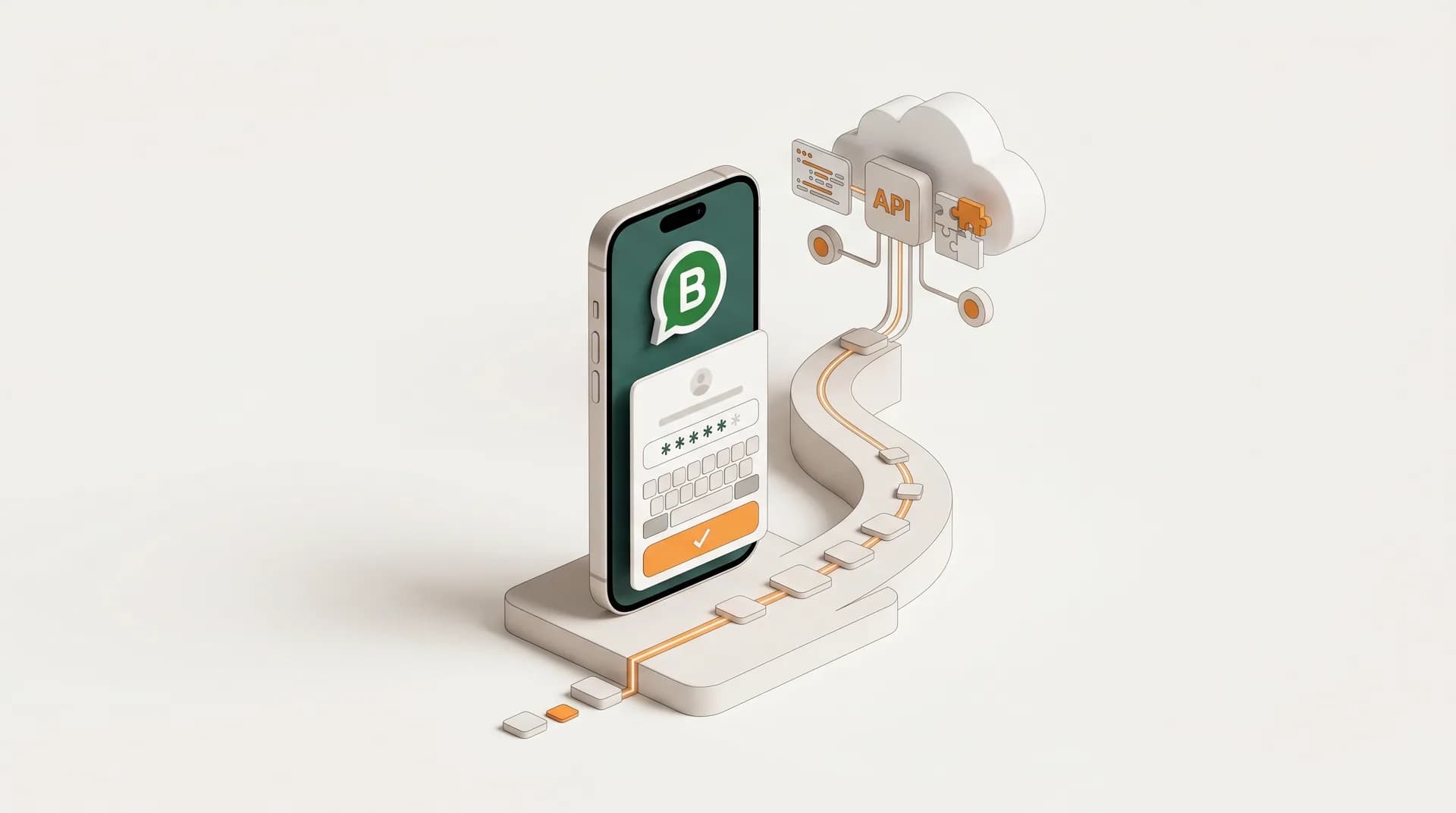
There are three ways to be on WhatsApp: the regular app for personal chats, the WhatsApp Business app for small teams, and WhatsApp Business API (WABA) for sending at scale. This guide covers registering the Business app, and the question almost everyone hits: "my number is already on regular WhatsApp, now what?"
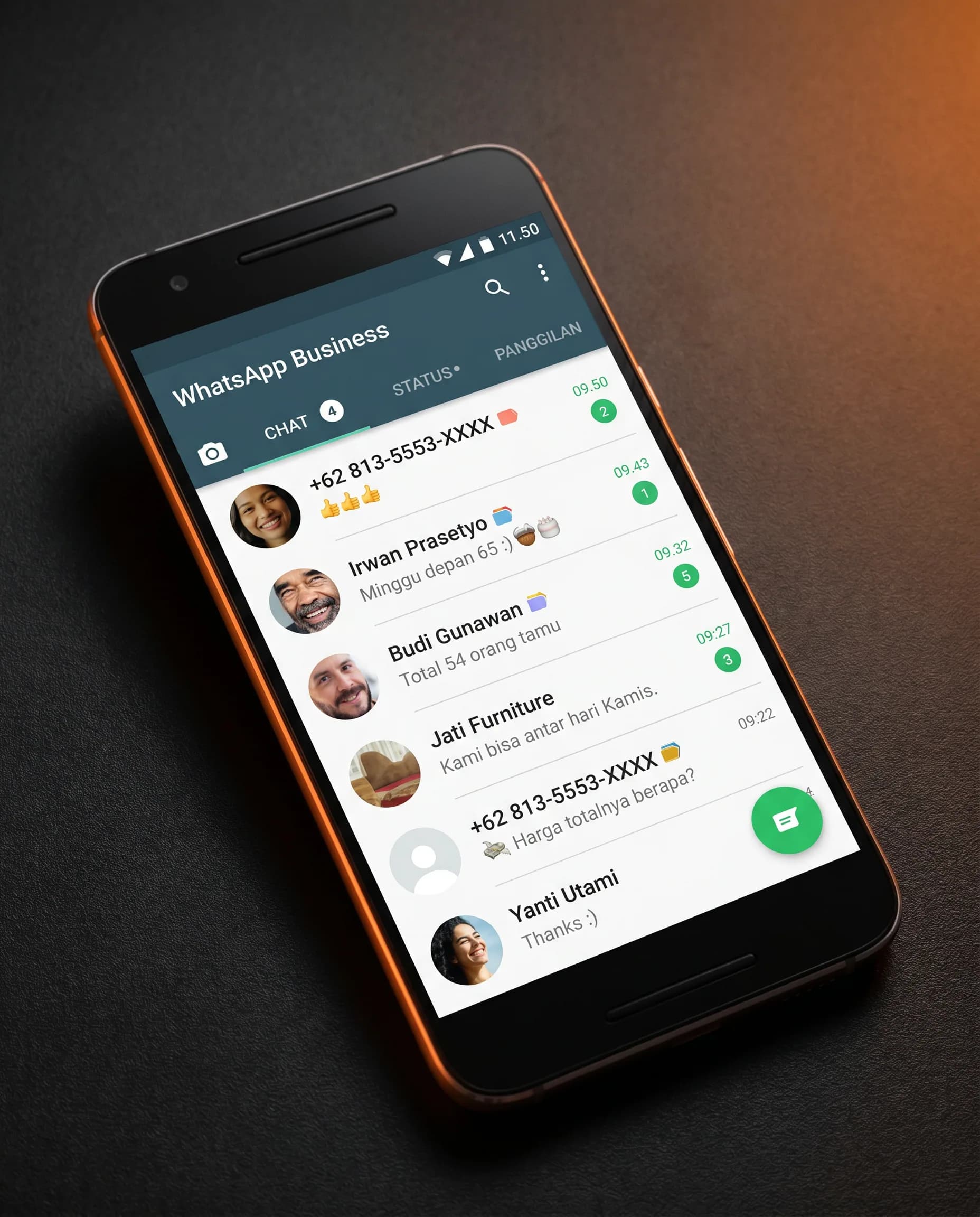
Regular app vs Business app vs WABA
| Best for | Devices | |
|---|---|---|
| Regular WhatsApp | Personal chats | One phone |
| WhatsApp Business app | Small businesses, one operator | One phone (+ linked devices) |
| WhatsApp Business API (WABA) | Automation, broadcast at scale, API integration | Server / web dashboard (WhatsApp Inbox) |
The one rule that explains everything
A single phone number can only live on one WhatsApp account at a time. That's why you can't run the regular app and the Business app on the same number on the same phone, and why moving to WABA needs a clear plan for the number you already use.
Registering the WhatsApp Business app
- Download WhatsApp Business from the App Store or Google Play.
- Open it and accept the terms.
- Enter your business phone number and verify the OTP code sent by SMS or call.
- Set up your business profile: name, category, hours, address, and logo.
"My number is already on regular WhatsApp"
Good news: you don't lose anything. When you register a number that's already on the regular app, WhatsApp Business offers to convert the existing account, your chats, contacts, and history carry over automatically.
The catch is that one phone can't run both apps on that number, once it's converted to Business, the regular app stops using it. Back up your chats first so the migration is clean.
Moving up to WABA: two paths
When the Business app can't keep up, you need automation, API integrations, or large broadcasts, you move the number to WhatsApp Business API. There are two ways to do it.
- Coexistence: keep chatting in the Business app while the API runs on the same number in parallel. Chats stay, and you don't delete anything. Eligibility is decided by Meta based on your account's age and messaging quality, and a few consumer features get disabled (View Once, Disappearing Messages, Live Location).
- Full migration (API only): move the number entirely to the API. You must delete the existing WhatsApp/Business app account on that number first, and afterward you can no longer use Messenger or the Business app on it.
Which path should you choose?
If a team still handles one-on-one chats by hand on the phone, coexistence is the gentler route. If you're going fully automated, OTP, notifications, broadcasts driven by your systems, full migration to a dedicated API number is cleaner. Many businesses also pick a fresh number for WABA and leave the Business app untouched.
Next step with Zenziva
Decide up front which path fits, coexistence to keep chatting in the app, or a full migration to a dedicated API number, then back up your chats before you start so nothing is lost in the switch.
Official WhatsApp Business API.
Trusted infrastructure for industrial-scale communication, with eligibility for the official Blue Tick from Meta.
Register WABA Now →