WhatsApp Template Categories Explained: Marketing, Utility, Authentication & Service
Every WhatsApp template gets a category that sets the price and the rules. Here's what each one means, with examples, and the mistake that gets them rejected.
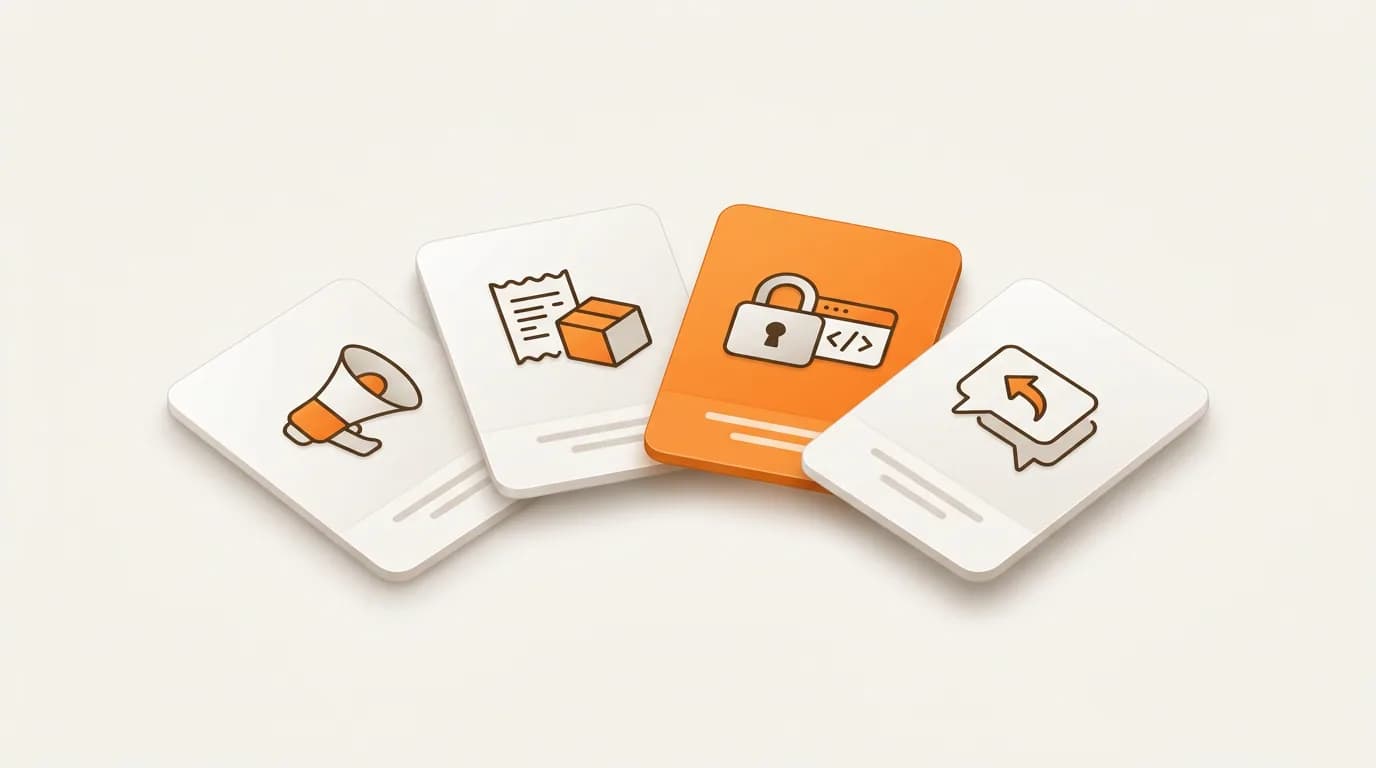
Before WhatsApp lets you send a templated message, you have to tag it with a category. Pick the wrong one and Meta auto-rejects the template before a human even looks at it, or worse, flags your account later. Most confusion in Indonesia comes from not knowing what each category actually means, so let's make it clear.
Why the category matters
A template's category does three things at once: it sets the price you pay per message, it decides the rules your content must follow, and it determines how fast Meta approves it. Marketing is the most expensive; Authentication is usually the cheapest; Utility sits in between. From 1 October 2026, Service messages are billed too, at the same rate as Utility and Authentication.
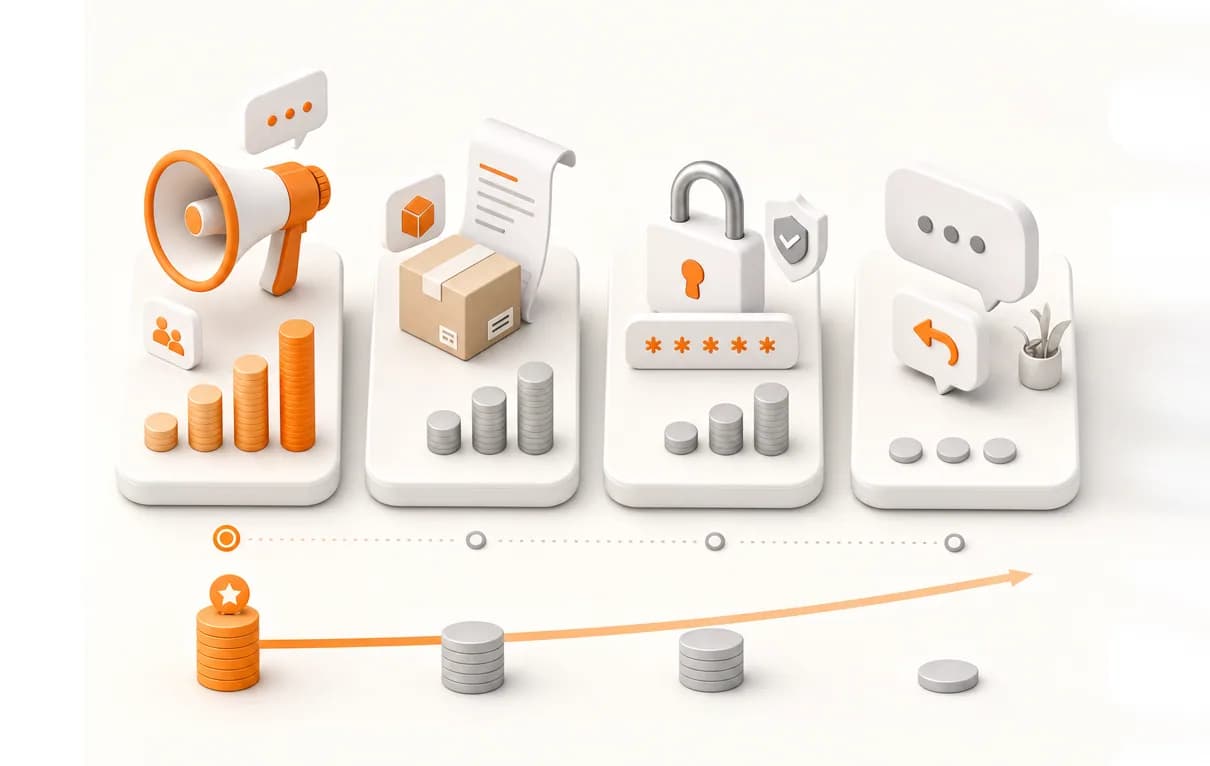
| Category | What it's for | Cost | Opt-in needed? |
|---|---|---|---|
| Marketing | Promos, offers, launches, re-engagement | Highest | Yes |
| Utility | Updates tied to a transaction or account | Medium | Yes |
| Authentication | OTP & verification codes | Lowest | Yes |
| Service | Free-form replies in the 24-hour window | Same as Utility/Auth (from 1 Oct 2026) | N/A (customer started it) |
Marketing
Anything that promotes, sells, or re-engages. If the goal is commercial, it's Marketing, even a friendly "we miss you" nudge. It needs clear opt-in and carries the highest per-message rate.
- Promos and discount campaigns
- New product or feature launches
- Abandoned-cart reminders
- Newsletters and seasonal offers
Utility
Updates the customer expects because they just did something, bought, booked, or changed an account setting. Utility messages must tie back to a specific transaction or interaction; they can't sneak in a promo.
- Order confirmations
- Shipping and tracking updates
- Payment receipts
- Appointment and schedule reminders
- Account change notifications
Authentication
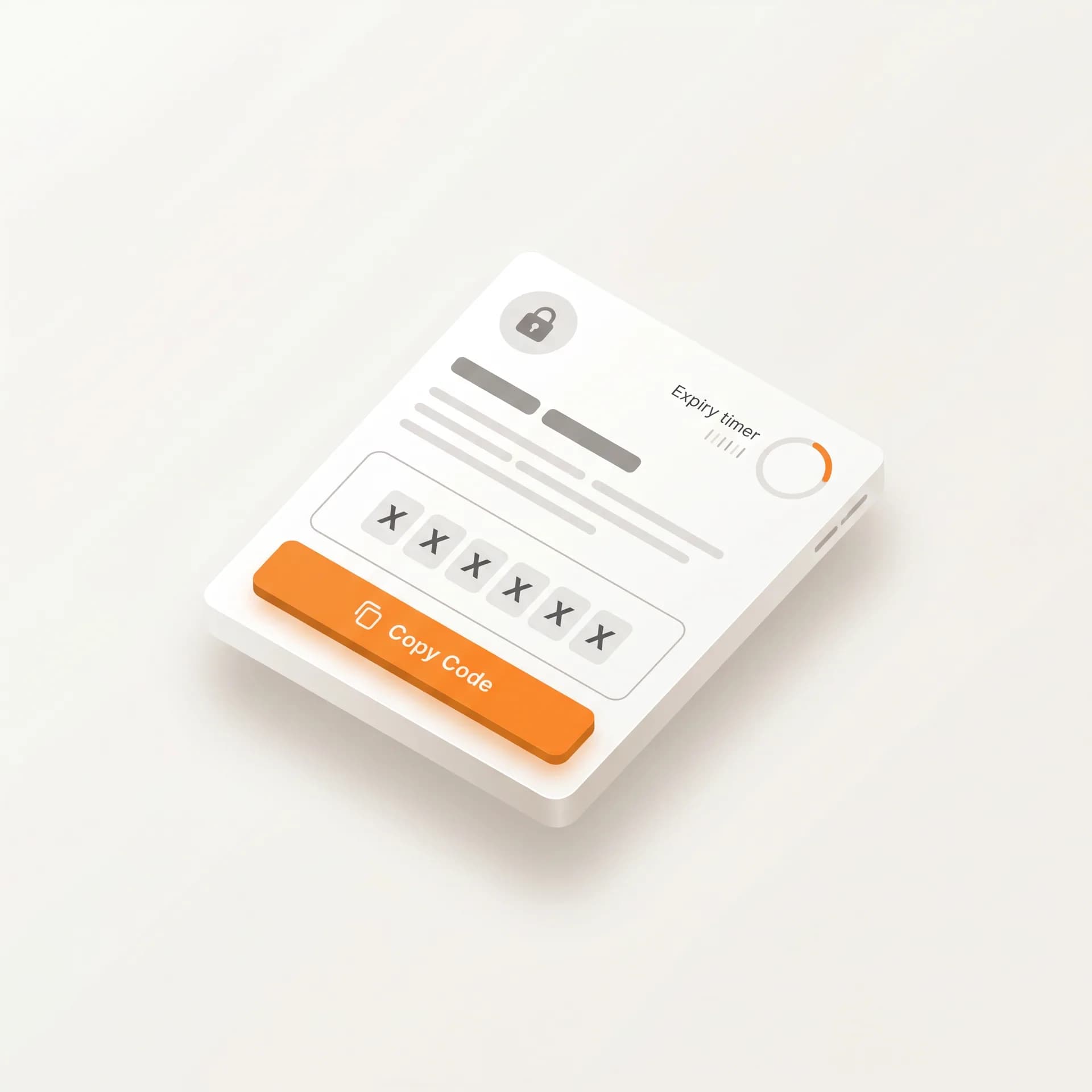
One-time passcodes and verification, nothing else. These templates follow a fixed format, the code, an optional security note, an expiry, and a one-tap autofill button. Keep them clean: no marketing, no extra links.
- Login OTP
- Phone-number verification
- Password reset codes
- Two-factor transaction confirmation
Service, not actually a template
Here's the part people miss: Service isn't a template you submit. It's any free-form reply you send within 24 hours after a customer messages you first. No category approval, no template, but from 1 October 2026 it's billed per message, at the same rate as Utility and Authentication. The moment that 24-hour window closes, you're back to sending an approved template.
To pay the lower Utility rate, some businesses tag promos as Utility. Meta detects mis-categorization automatically: the template gets rejected, and repeat offenses can trigger a temporary block. Always tag honestly based on what the message actually says.
Pre-Flight Template Checklist
To prevent operational bottlenecks from rejected templates, train your team to run this checklist before every submission to Meta:
- Verify Intent: Is there any promotional wording? If yes, it must be Marketing. Do not try to sneak it into Utility.
- Check the Code: Is it purely an OTP or verification code? Use the fixed Authentication format.
- Confirm the Trigger: Did a user action (like a purchase) trigger this? If so, tag as Utility.
- Review the Window: Are you just replying to a customer query within 24 hours? Stop. You don't need a template, use a free-form Service reply (billed at the Utility/Authentication rate since 1 Oct 2026, and no approval needed).
A strict operational process for tagging categories ensures fast approvals, predictable costs, and zero risk of temporary bans from Meta.
Official WhatsApp Business API.
Trusted infrastructure for industrial-scale communication, with eligibility for the official Blue Tick from Meta.
Register WABA Now →